
Tidy TV guides
Clean Your TV Guides
Setup walkthroughs, plan reading, undo routes, and fixes for Clean Your TV, written from the official page and from testing on a real phone and a real Google TV.
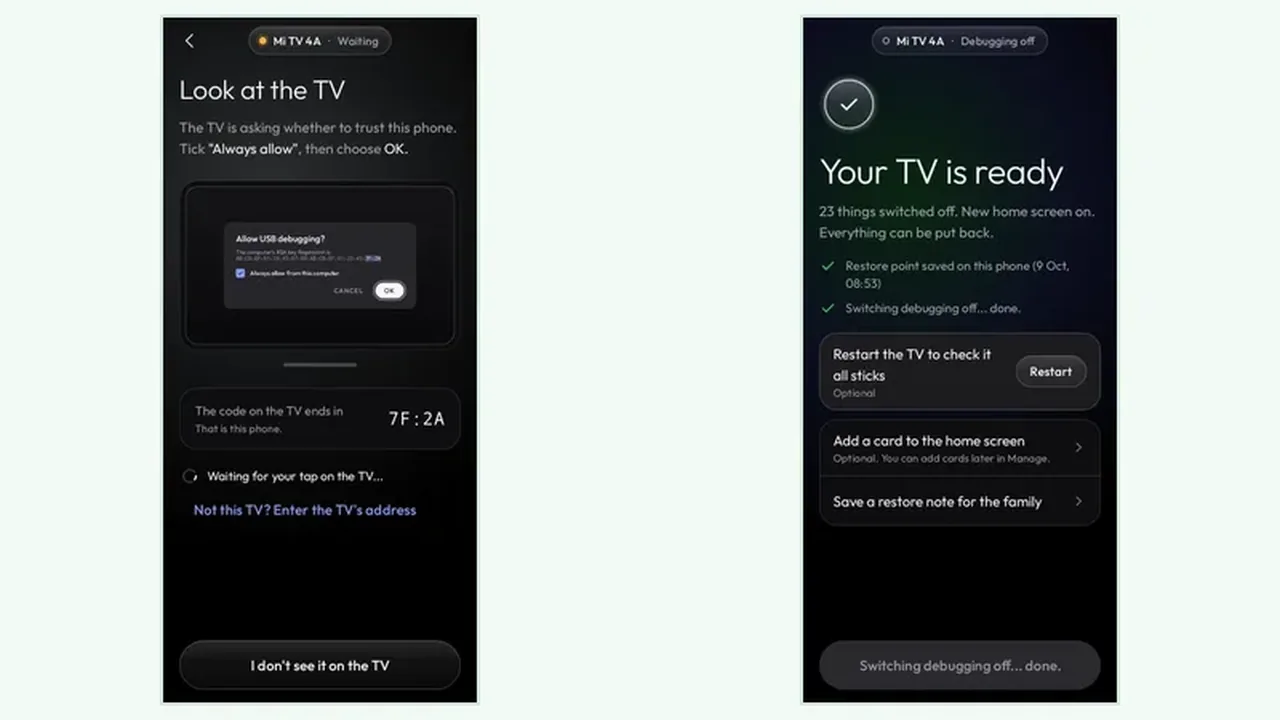
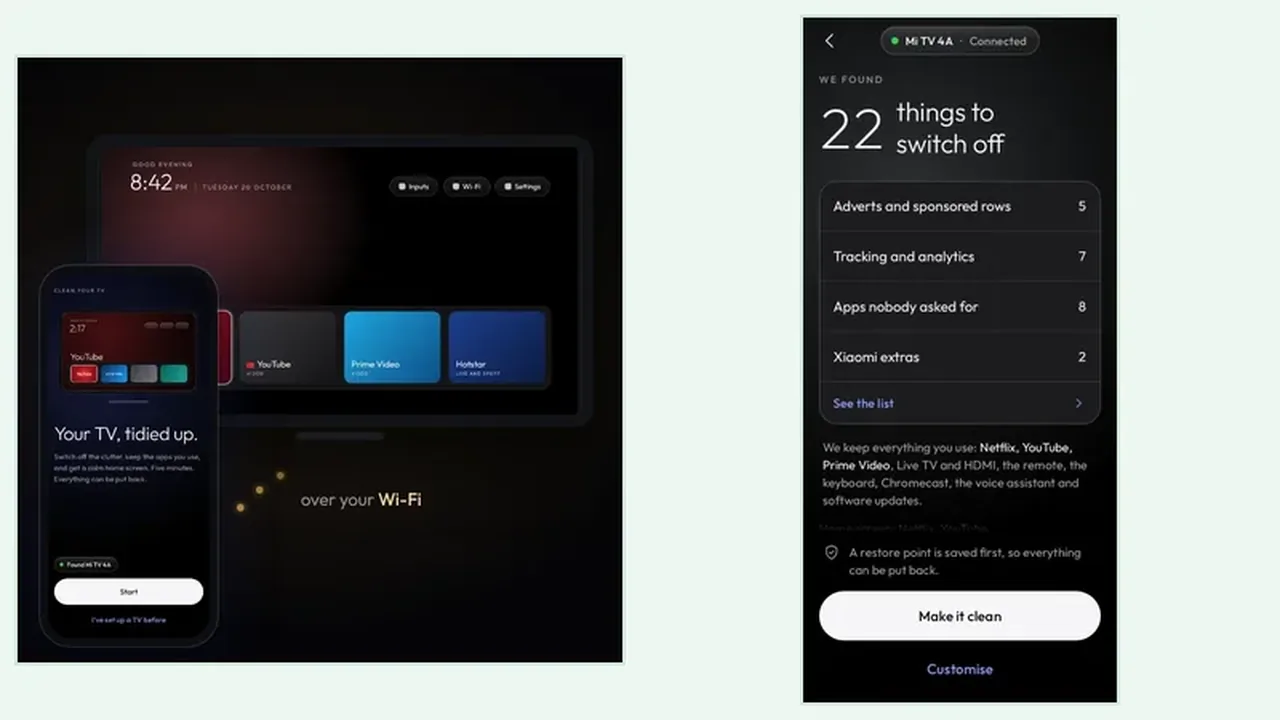 Guide Clean Your TV Phone Setup: Connect Your Android Phone to Your TV Connect Clean Your TV the right way: same Wi-Fi, network debugging on, trust prompt approved with the remote, and the first plan screen read before any clean. Read guide →
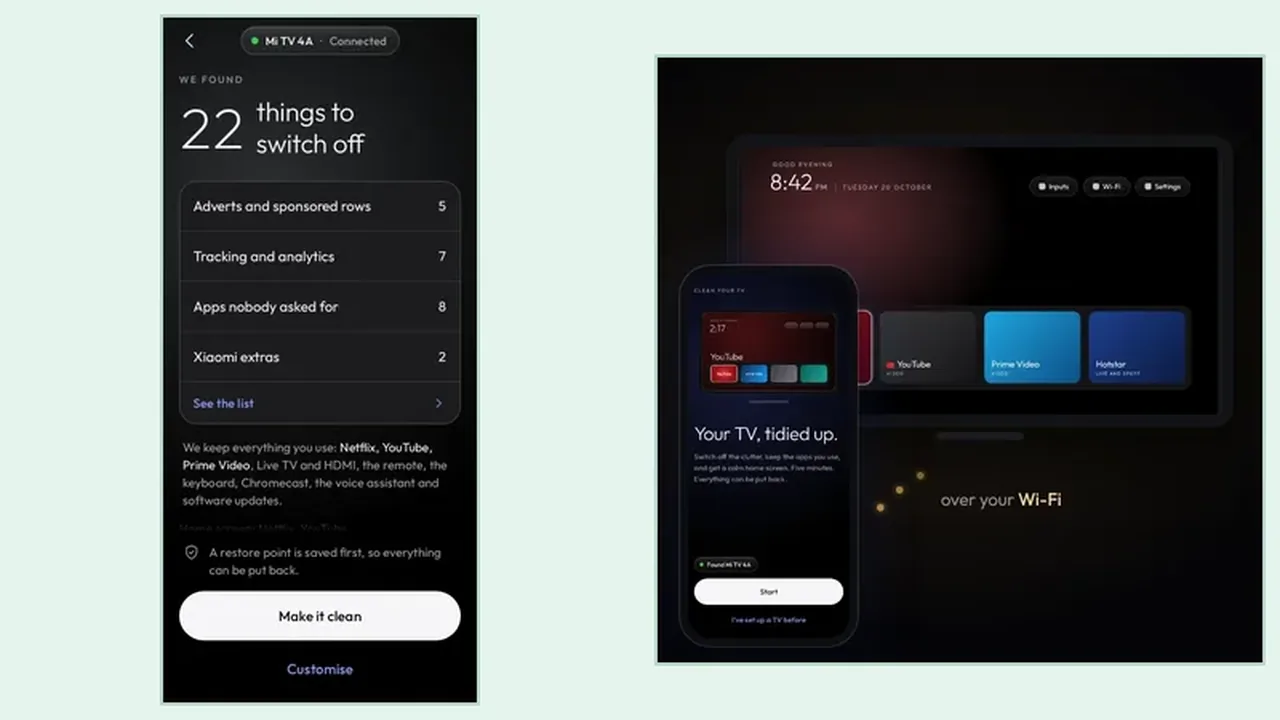
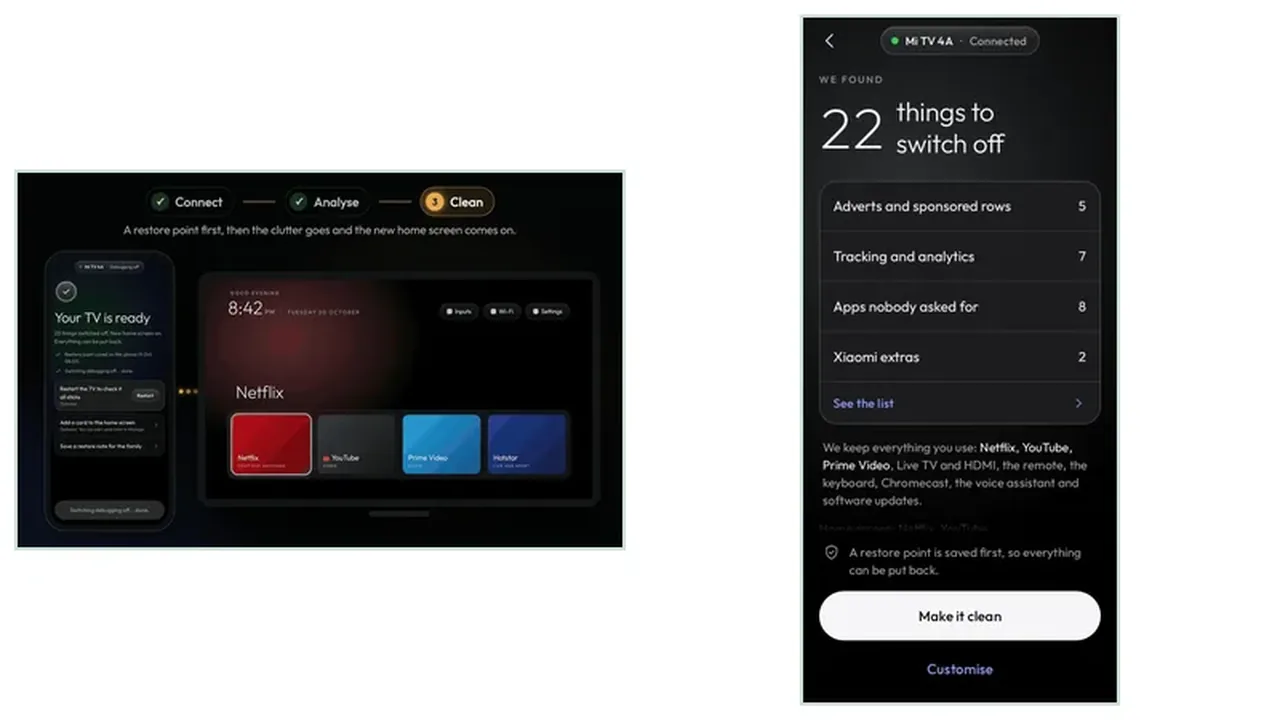
 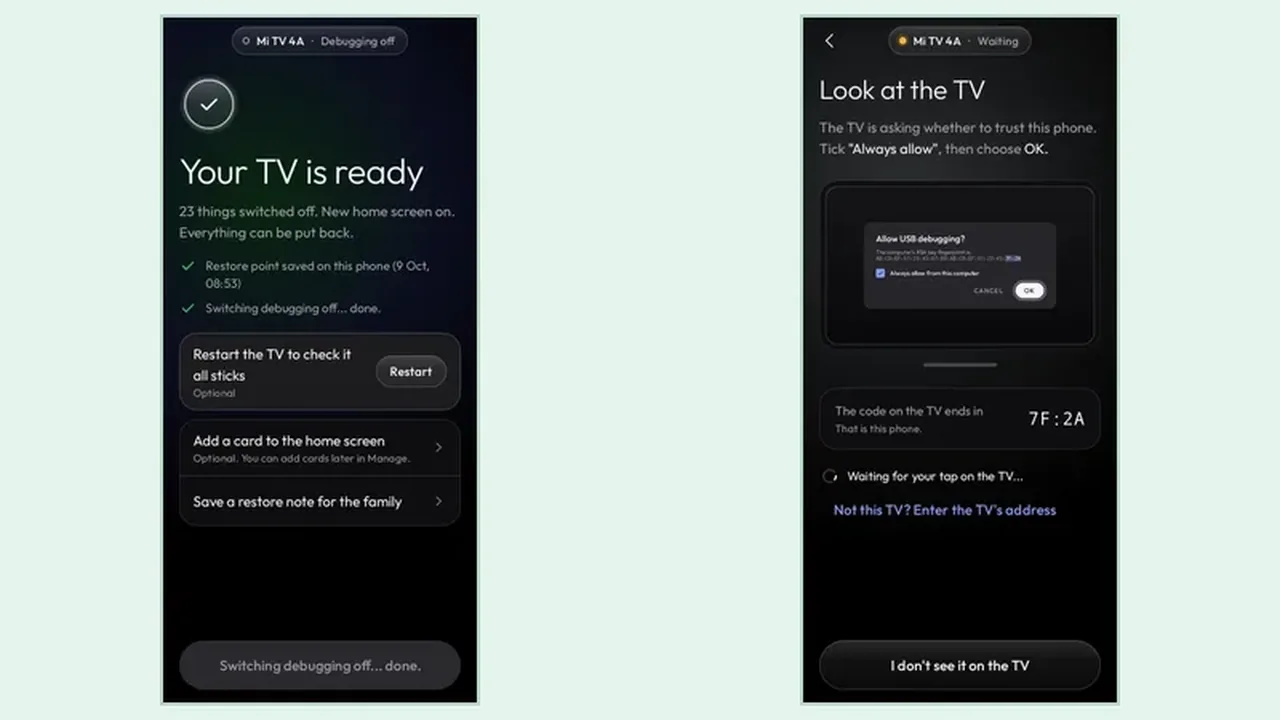 Guide Analyse Before You Clean: How to Read the Clean Your TV Plan The analyse step is the whole safety story of Clean Your TV: nothing changes yet, and the plan shows what goes off and what stays. Read the groups, check the keeps list, then decide. Read guide →
 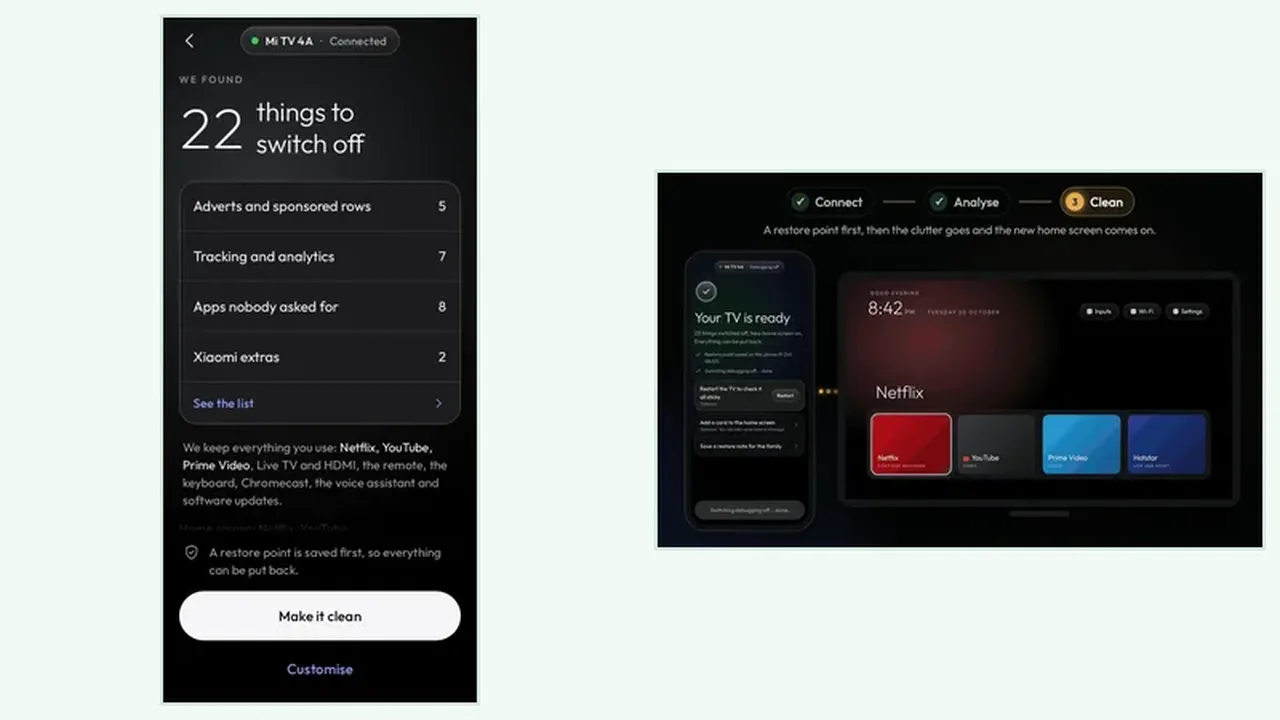 Guide Restore Points and Undo in Clean Your TV: How to Put Anything Back The restore point is the safety net of Clean Your TV: saved on your phone before the first change, it lets you put one app back or undo everything, any time. Read guide →
 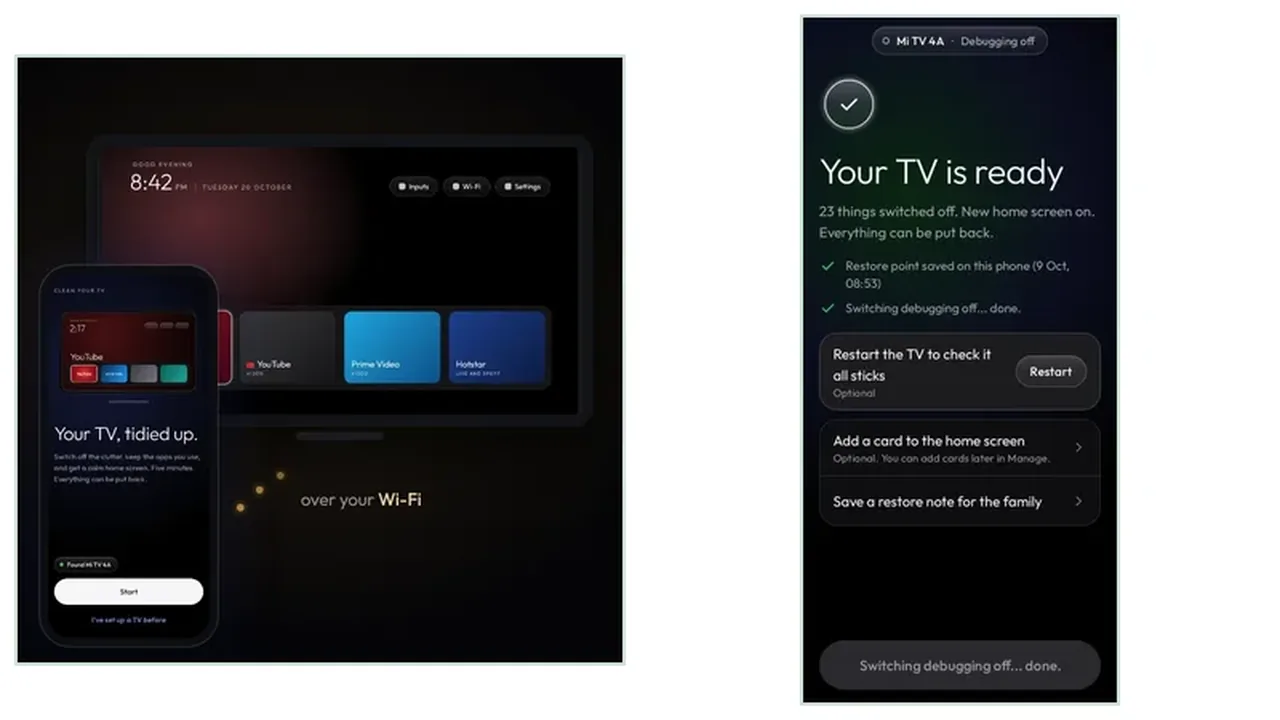 Guide Clean Your TV Cannot Find the TV? Fix Wi-Fi and Network Debugging Most Clean Your TV connection problems are Wi-Fi or network debugging problems: same network first, debugging setting second, trust prompt third. Work them in that order. Read guide →
 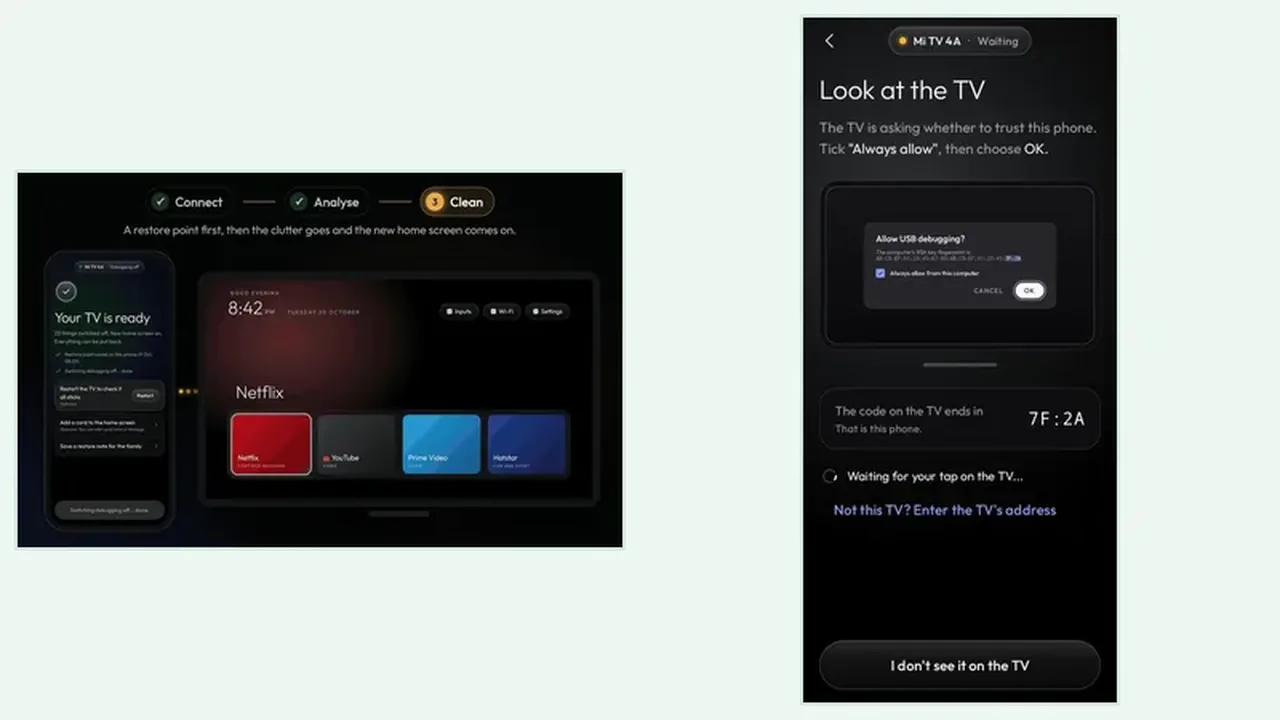 Guide What Clean Your TV Keeps: Your Apps, Inputs, and TV Basics The keeps list is what makes a Clean Your TV clean safe: streaming apps, live TV, HDMI inputs, Wi-Fi, the remote, casting, voice, and updates all stay unless you choose otherwise. Read guide →
  Guide Why Clean Your TV Does Not Work on Samsung, LG, or Roku TVs Clean Your TV cannot work on Samsung, LG, or Roku TVs because those TVs do not run Android. Knowing that before you start saves a wasted setup and points you to the right tidy up instead. Read guide →
  Guide Clean Your TV First Clean Checklist: Your First Run, Done Right A first clean checklist for Clean Your TV: the checks to make before you tap clean, the order that keeps the plan safe, and the five checks that stop a first run regret. Read guide →
  Guide Clean Your TV After a TV Update: When Updates Bring Clutter Back After a TV update, clutter often returns. Here is how to re-run Clean Your TV after an update, what to check on the new plan, and why the old clean does not carry over. Read guide →
 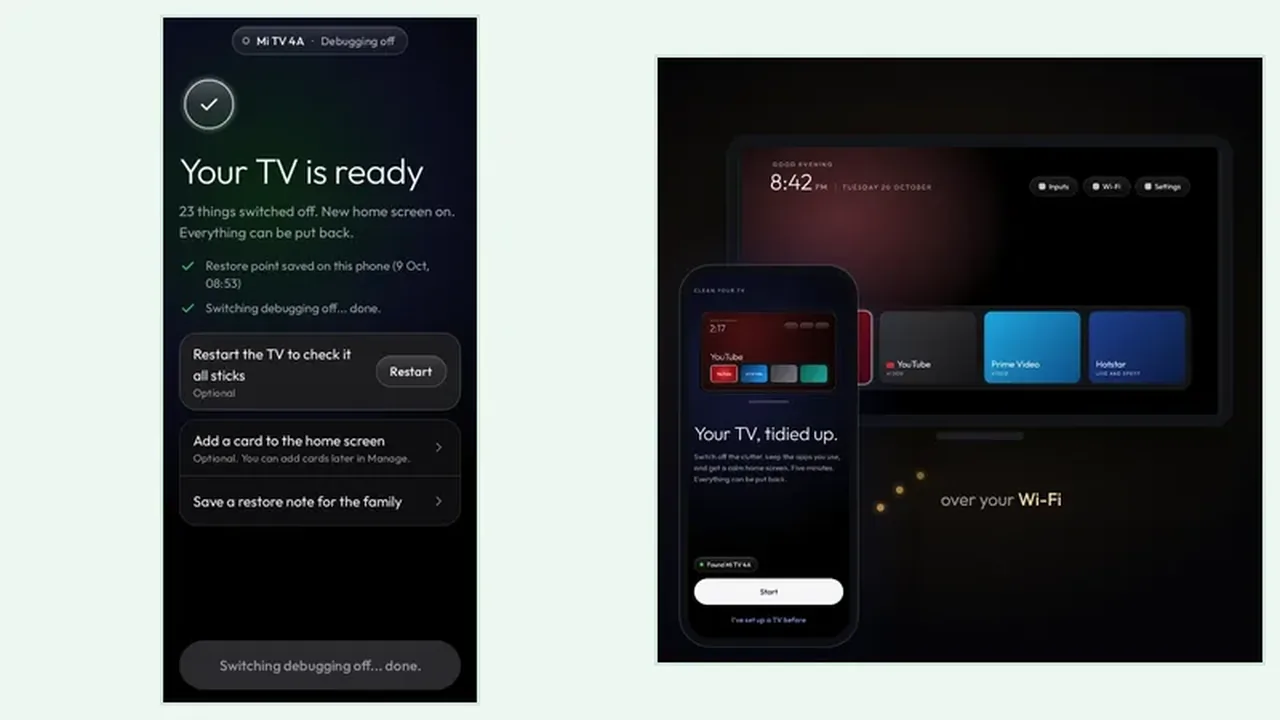 Guide Clean Your TV Slow Home Screen Fix: When the TV Feels Sluggish A slow TV home screen is often clutter, not old age. Find the cause first, then use Clean Your TV to switch the clutter off without deleting the apps your household uses. Read guide →
 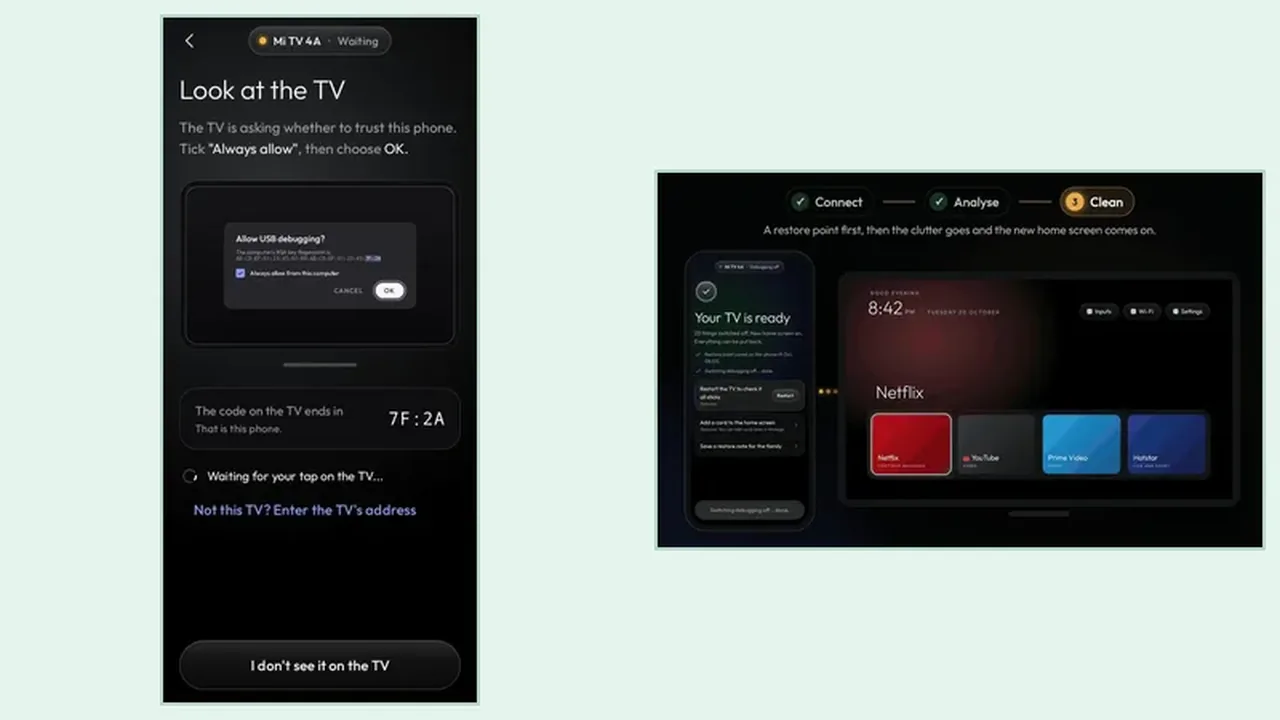 Guide Clean Your TV for a Shared Family TV: One Clean Everyone Agrees On A family TV belongs to everyone, so a clean needs agreement first. Agree the keeps list, clean in the open, and leave an undo route the whole household can use. Read guide →
 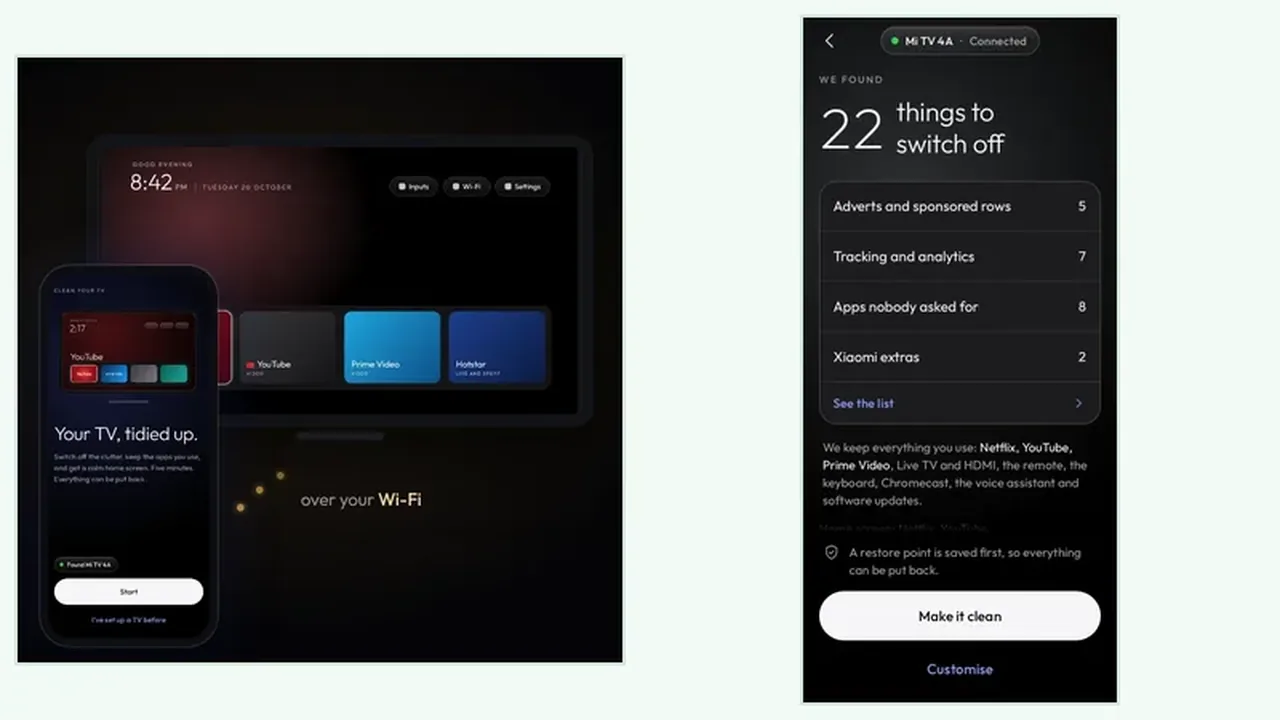 Guide Clean Your TV Voice Search and Casting After a Clean Voice search and casting stay on after a Clean Your TV clean, unless you choose otherwise. Here is what the plan says about them and how to test each feature after a clean. Read guide →
 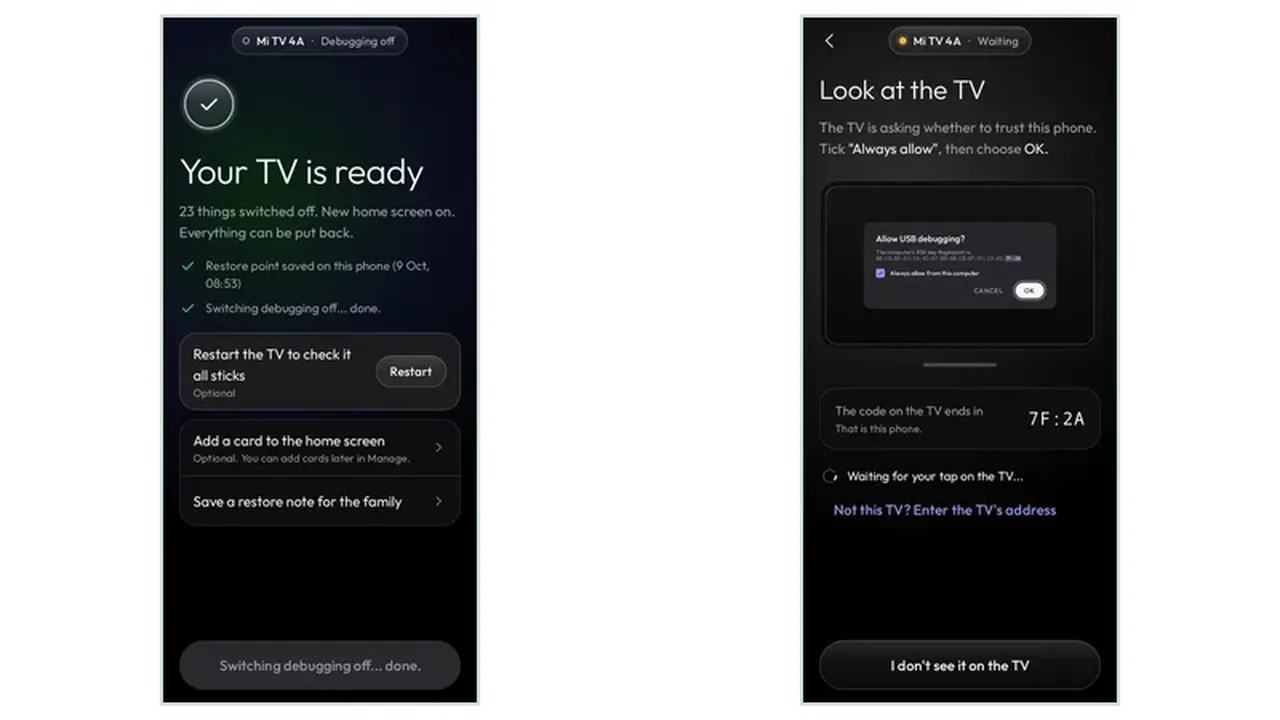 Guide Clean Your TV Storage Full TV: What to Do When the TV Is Full A storage full warning on a TV is not solved by deleting your apps. See what actually fills a TV, what Clean Your TV switches off, and when the fix is a manual clear instead. Read guide →
 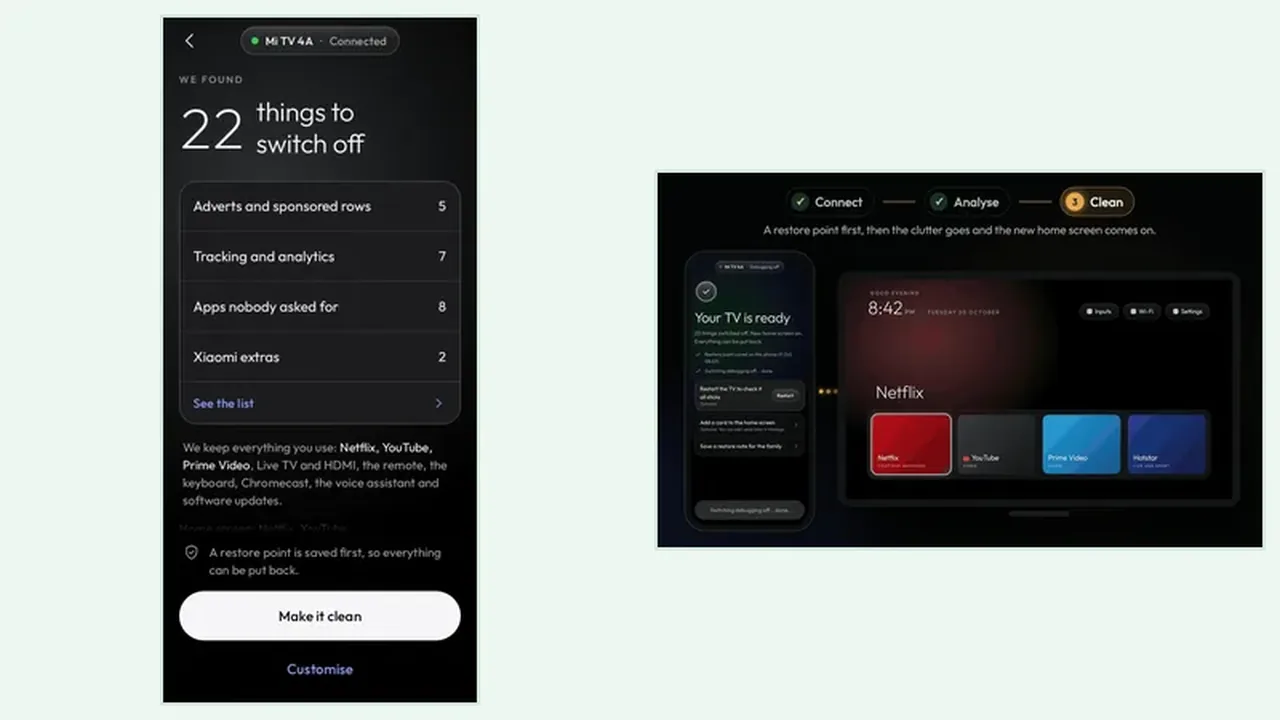 Guide Clean Your TV on an Old Android TV: Slower Hardware, Same Steps Old Android TVs benefit most from a tidy, and they need the most patience. The steps are the same, but the timing, the plan reading, and the two pass clean all matter more. Read guide →
 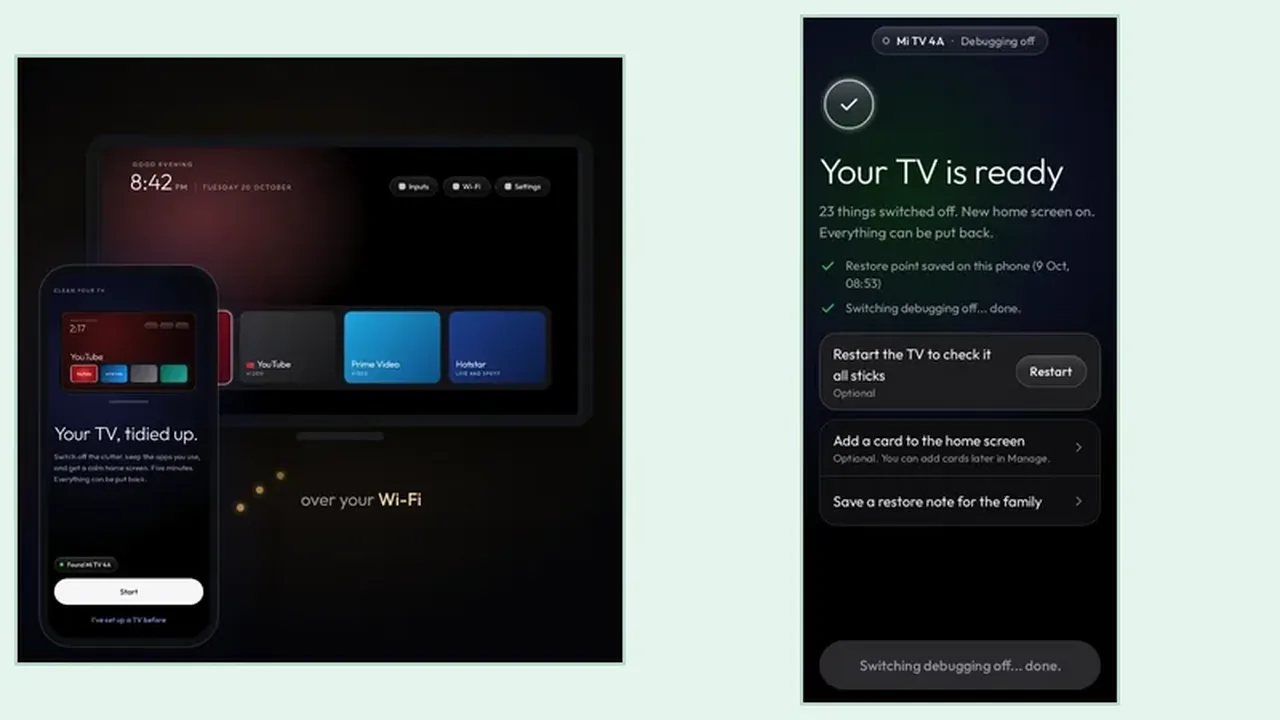 Guide Clean Your TV Google TV vs Android TV: Two Names, One Job Google TV and Android TV sound like different systems, but for Clean Your TV they are one job. Learn where the menus differ, which steps stay the same, and what to check on each. Read guide →
 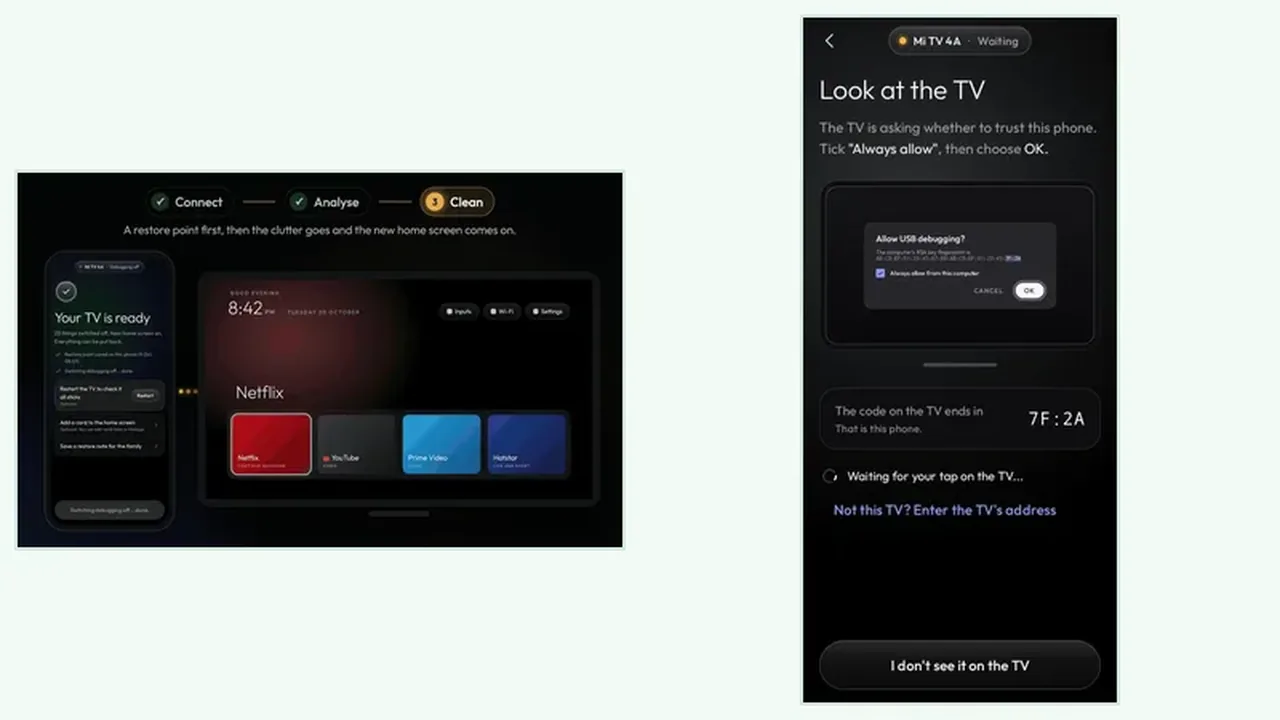 Guide Clean Your TV Privacy: Switching Tracking Off Without Breaking Streaming A TV tracks more than it needs to, and Clean Your TV names that tracking on the plan. Read the tracking group properly, switch it off calmly, and keep streaming untouched. Read guide →
 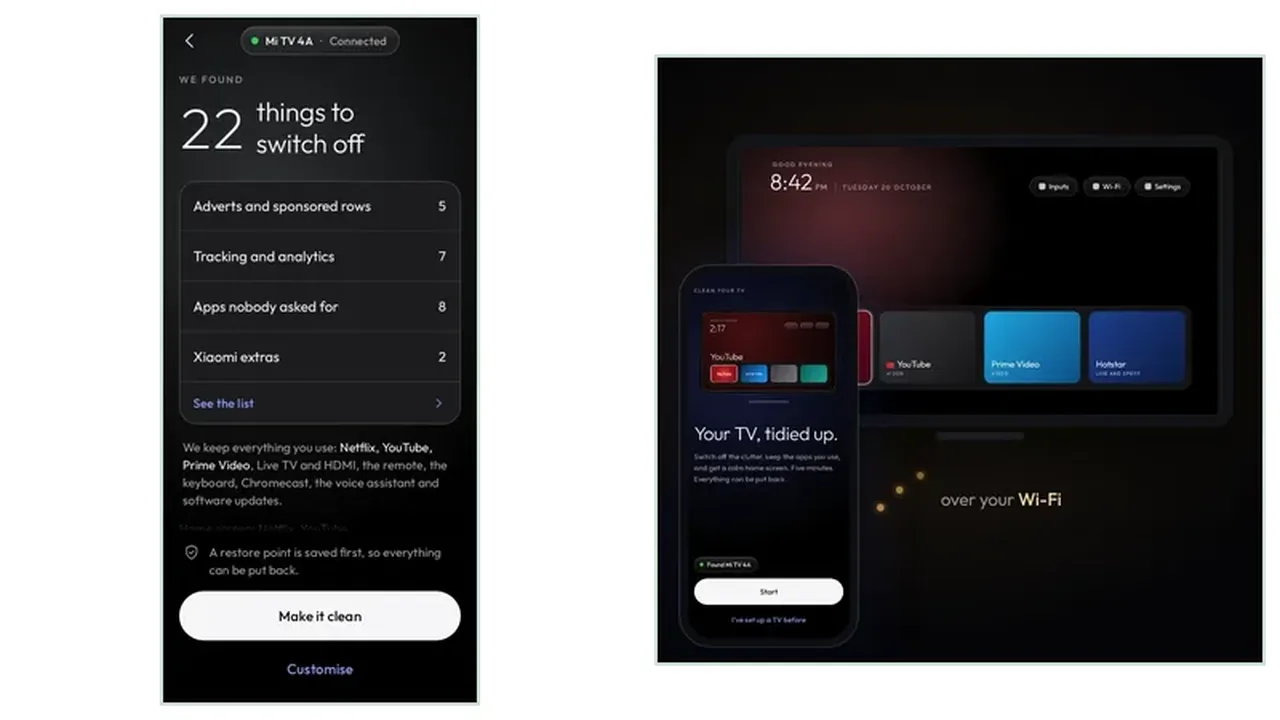 Guide Clean Your TV Setup for Parents: A Simple TV for the People You Love Setting up a parent TV means fewer choices, bigger clarity, and an undo route someone else can use. Here is the calm setup that keeps a parent TV simple without taking control away. Read guide →
 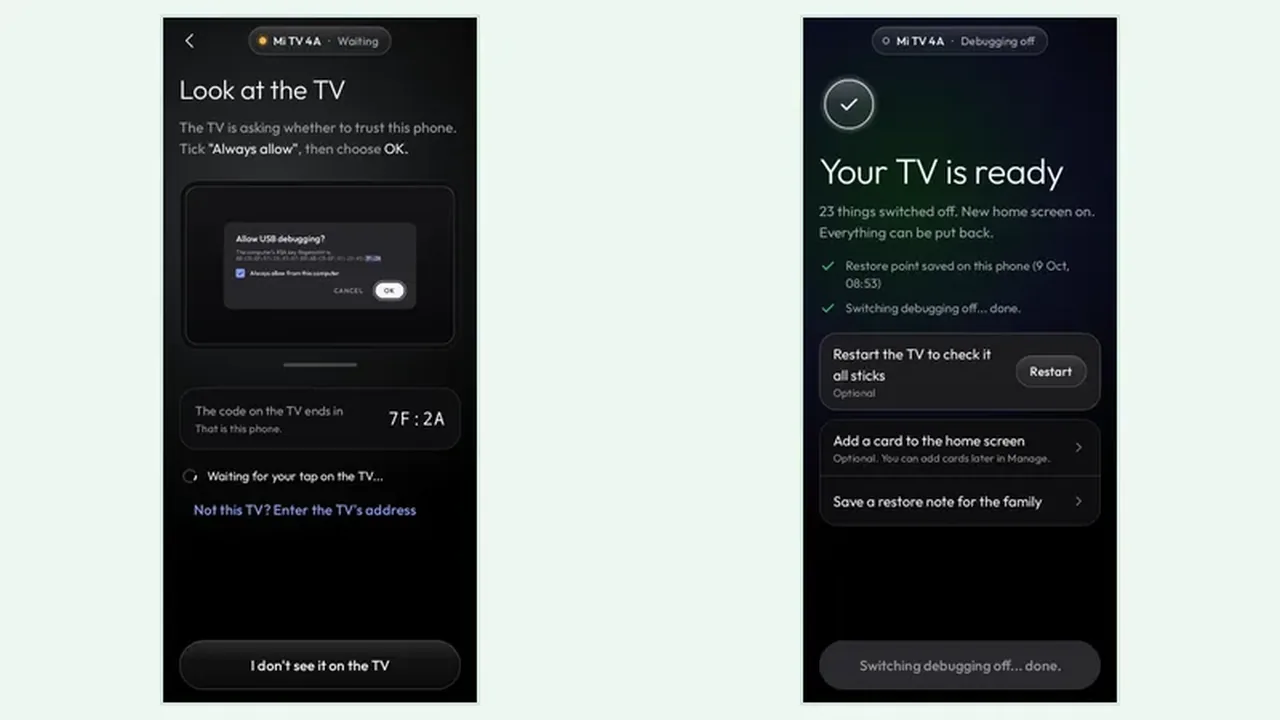 Guide Clean Your TV Apps Row Tidy: Fix the Row You Actually Use The apps row is the part of the TV you touch every day, and it fills up fastest. Clean the extras behind it, then arrange what stays, so the row feels like yours again. Read guide →
 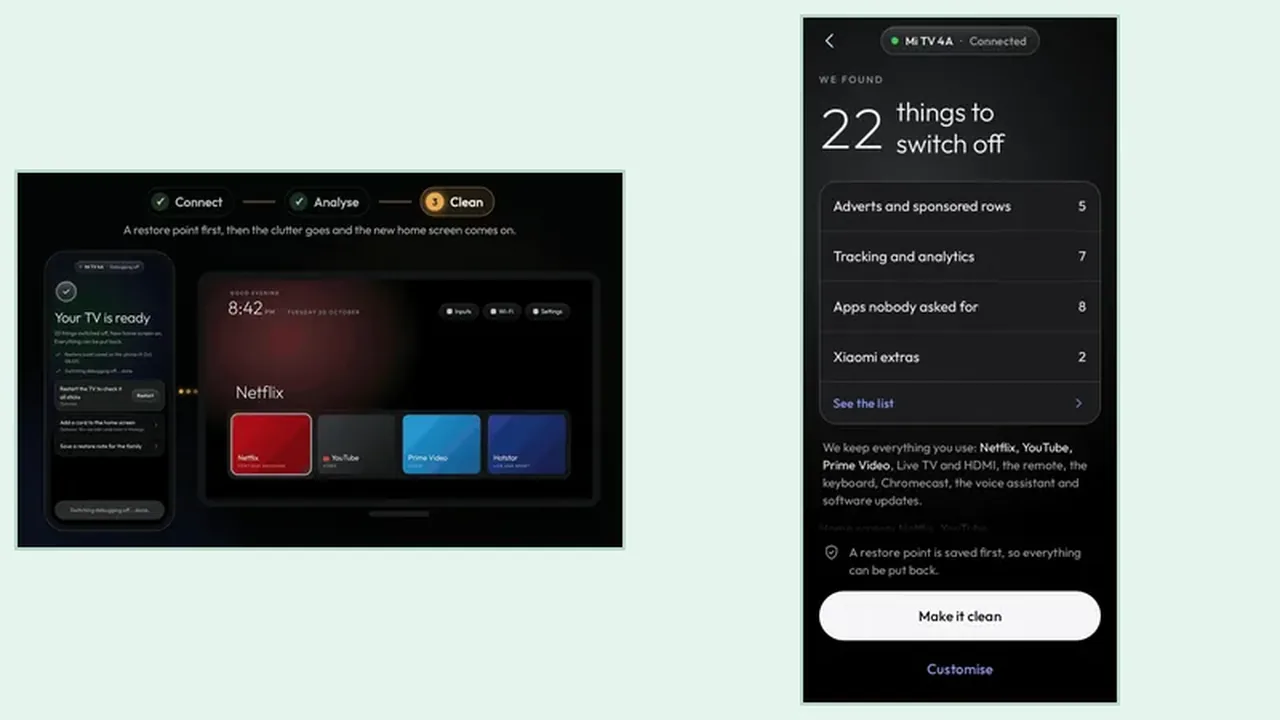 Guide Clean Your TV Second TV Setup: Same Phone, Another TV A second TV does not need a second phone or a second setup lesson. The same phone, the same steps, and one habit that keeps two TVs apart make the second clean faster than the first. Read guide →
 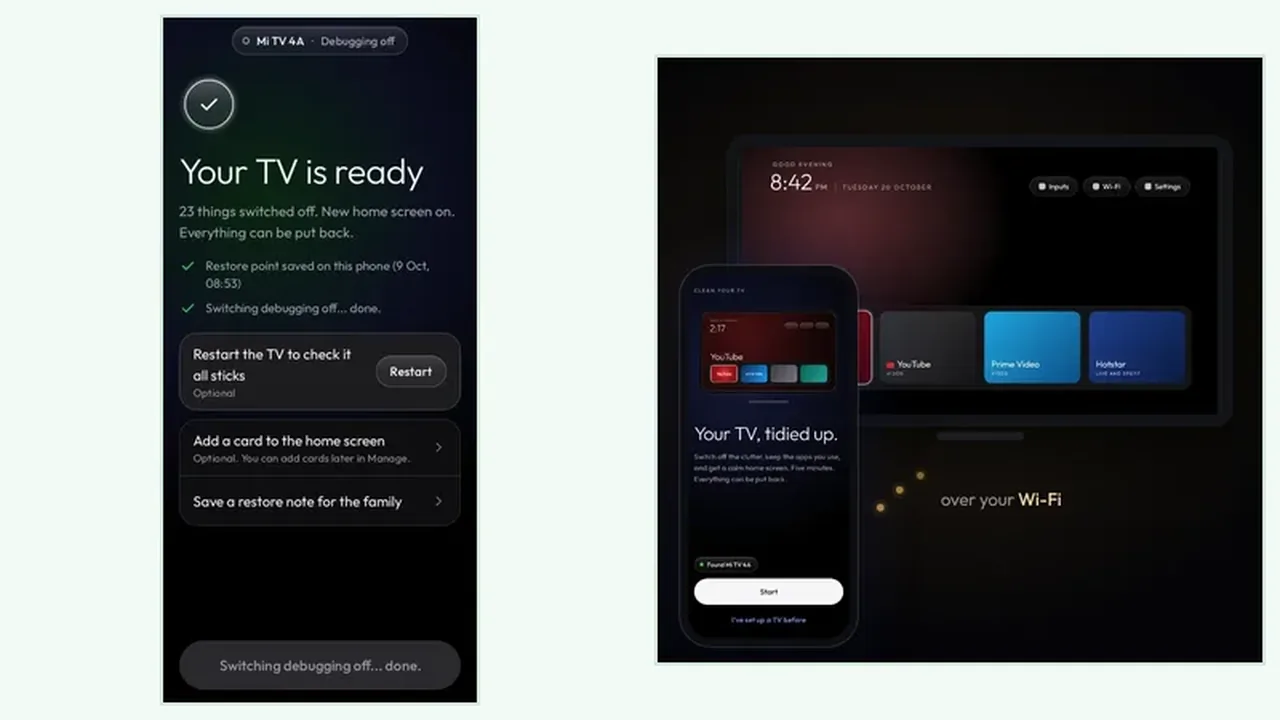 Guide Clean Your TV Interrupted Clean: When the Phone Dies Mid Clean A phone call, a dead battery, or a sleeping TV can interrupt a clean. The watchdog, the restore point, and a calm restart cover every interruption, so nothing is lost. Read guide →
 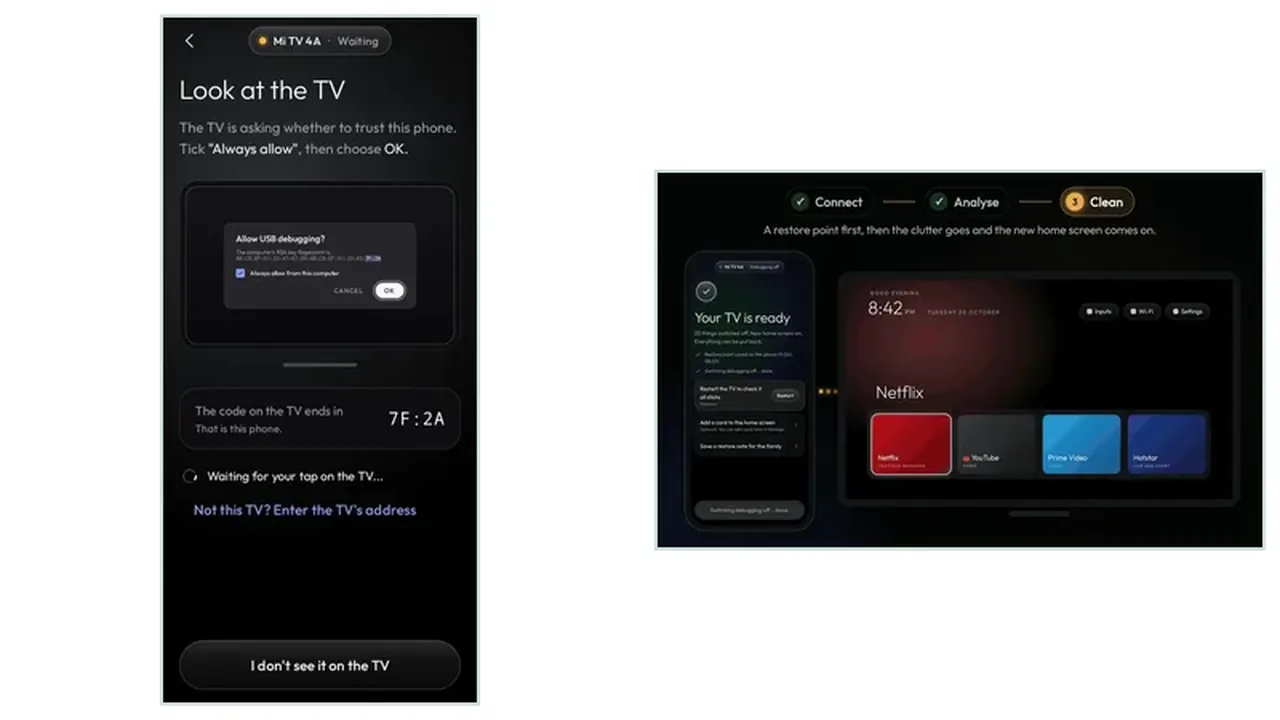 Guide Clean Your TV Manual Tidy vs the App: Which Route Fits You You can tidy a TV by hand, in the settings, one app at a time. The app does the same job faster, with a plan and a restore point. Here is how to choose honestly between the two routes. Read guide →