
Guide
What Clean Your TV Keeps: Your Apps, Inputs, and TV Basics
The keeps list is what makes a Clean Your TV clean safe: streaming apps, live TV, HDMI inputs, Wi-Fi, the remote, casting, voice, and updates all stay unless you choose otherwise.
 By Grace Liu, TV Utility Reviewer
CONTENTS On this page
Your Apps Stay
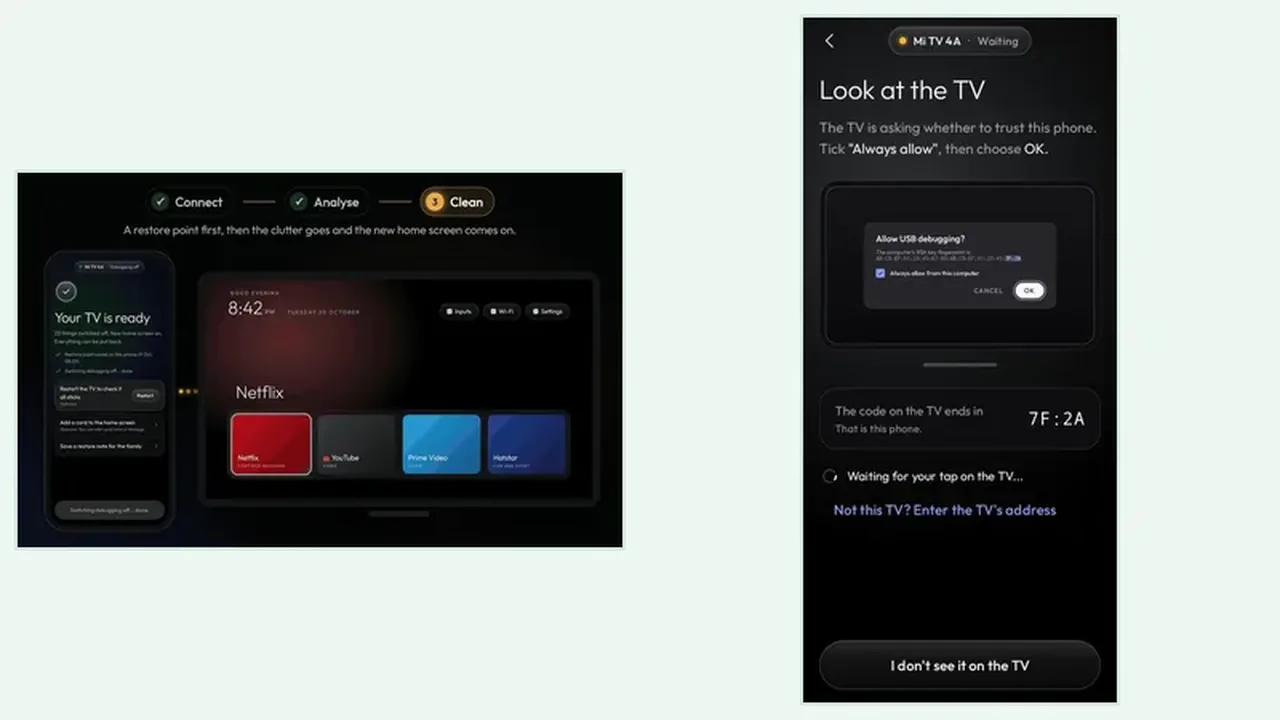
Clean Your TV keeps your apps: Netflix, YouTube, Prime Video, live TV, and the HDMI inputs. Those are the apps and inputs a household opens every day, so they sit on the keeps side of the plan by design. The Clean Your TV Android app shows that keeps list below the clean plan, so you can confirm it before you tap anything.
If a streaming app you use is missing from the keeps list on the plan screen, stop before you confirm. A missing keeps entry is the one surprise worth a pause, because the fix after a clean is easy but the pause before is easier.
TV Basics Stay
The basics stay too: Wi-Fi, the remote, the keyboard, and the parts Android needs to run. The app never touches those basics, which means a clean cannot cut the TV off from the network or from its own remote. That protection is not a setting you switch on. It is built into what the app is allowed to clean.
Casting, the voice assistant, and software updates stay on as well, unless you choose to switch them off. That choice matters for households that cast from a phone every evening or rely on voice search, and the analyse guide shows how to read those choices group by group.
Choosing to Switch Something Off
The keeps list is a default, not a lock. If you never use casting or the voice assistant, you can choose to switch them off in the plan. The safe way to do that is one feature at a time, followed by a day of normal TV use, so a regret is a single undo rather than a mystery.
If you do switch a kept feature off by mistake, the restore point and undo guide shows how to put it back in seconds. Nothing on the keeps list is uninstalled, so every choice is reversible.
Keeps List in Short
Apps you watch, inputs you use, basics the TV needs, and features you rely on: all stay unless you choose otherwise. Read the keeps list on every plan screen, and the clean stays safe.