
Guide
Clean Your TV Slow Home Screen Fix: When the TV Feels Sluggish
A slow TV home screen is often clutter, not old age. Find the cause first, then use Clean Your TV to switch the clutter off without deleting the apps your household uses.
 By Grace Liu, TV Utility Reviewer
CONTENTS On this page
A Slow Home Screen
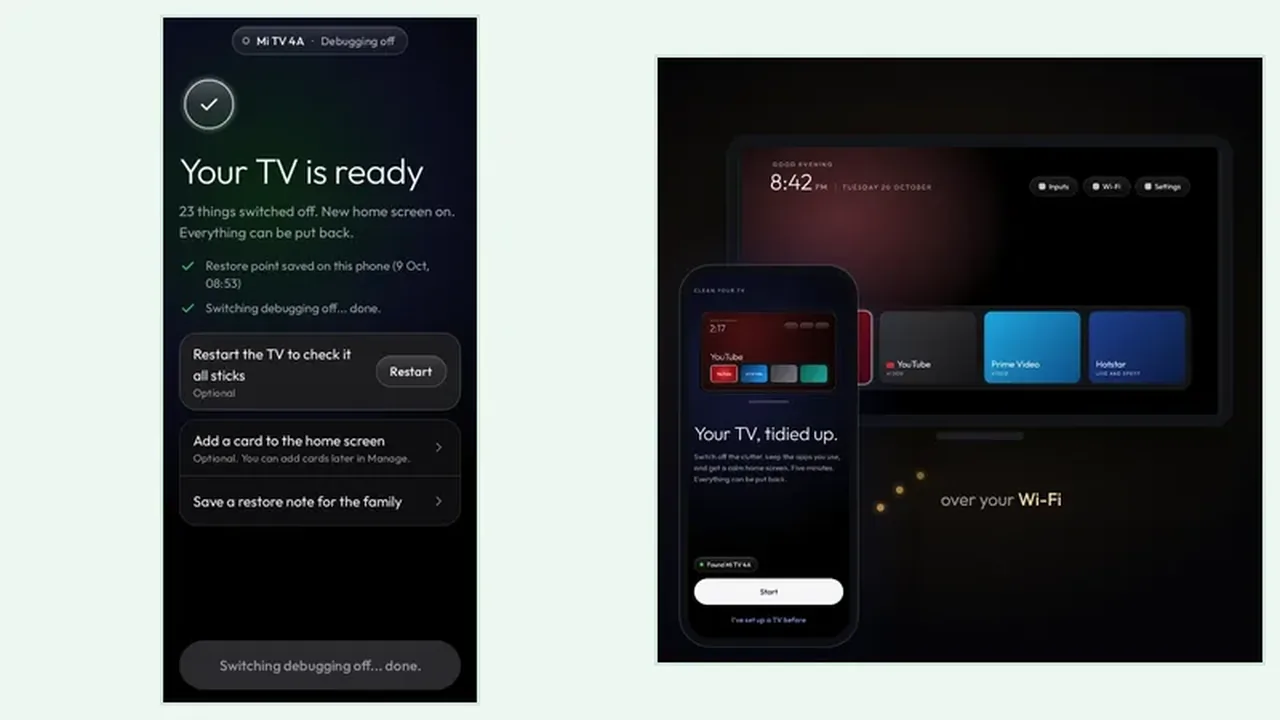
When the home screen stutters, the apps row takes seconds to load, or the remote feels late, clutter is the first suspect. Years of preinstalled apps, adverts, tracking, and brand extras all compete for the same small TV processor. The Clean Your TV app guide treats slowness as a symptom to read, not a reason to buy a new TV.
Before you clean, notice when the slowness happens. Is it worst on the home screen but fine inside a streaming app? That points at home screen clutter. Is every app slow, including playback? That points at the network or the TV hardware, and no cleaner will fix a weak Wi-Fi signal. Cleaning the right thing starts with naming the right problem.
Find the Cause Before You Clean
Run the analyse step and read the Clean Your TV plan as a diagnosis, not just a shopping list. A long adverts group and a long tracking group mean the TV is doing a lot of work you never asked for. A long brand extras group means the maker filled the home screen with its own content. The analyse plan guide explains each group in plain terms, so you can match the Clean Your TV plan to the slowness you see.
Check the keeps list with the same care. Streaming apps, live TV, and HDMI inputs stay, so a clean will not speed the TV up by removing the apps you actually watch. The speed gain comes from switching off the extras that load, update, and advertise in the background.
The Clean That Fits a Slow TV
On a slow TV, clean in two passes instead of one. First pass: adverts and tracking only, then live with the TV for a day. Second pass: the remaining groups you understand. Two calm passes beat one rushed pass, because a slow TV also makes the clean itself feel slow, and patience runs out before the Clean Your TV plan is read properly.
After each pass, test the home screen the same way: press Home, scroll the apps row, open one streaming app. If the row loads faster and the remote feels sharper, the clean did its job. The keeps list guide helps you confirm that nothing your household uses was caught in the speed gain.
Slow TV in Short
Name the slowness first, read the Clean Your TV plan as a diagnosis, clean in two passes, and test the home screen after each pass. Clutter off, speed back, apps you use untouched.