
Guide
Clean Your TV Setup for Parents: A Simple TV for the People You Love
Setting up a parent TV means fewer choices, bigger clarity, and an undo route someone else can use. Here is the calm setup that keeps a parent TV simple without taking control away.
 By Grace Liu, TV Utility Reviewer
CONTENTS On this page
Setting Up a Parent TV
A parent TV has one job above all: when you press Home, the thing you want is there, and nothing confusing is in the way. Clutter hurts older viewers most, because every extra row, recommendation, and preinstalled app is another choice to parse before the programme starts. The Clean Your TV restore guide approach suits parent TVs well, because the clean is planned, explained, and reversible.
Start with a conversation, not with Clean Your TV. Ask what they watch, which input the live TV uses, and which single app matters most. That short list is the keeps list for this TV, and everything else is a candidate for the clean side. A parent TV cleaned around one list stays simple in the way that person actually watches.
Keep It Simple From the Start
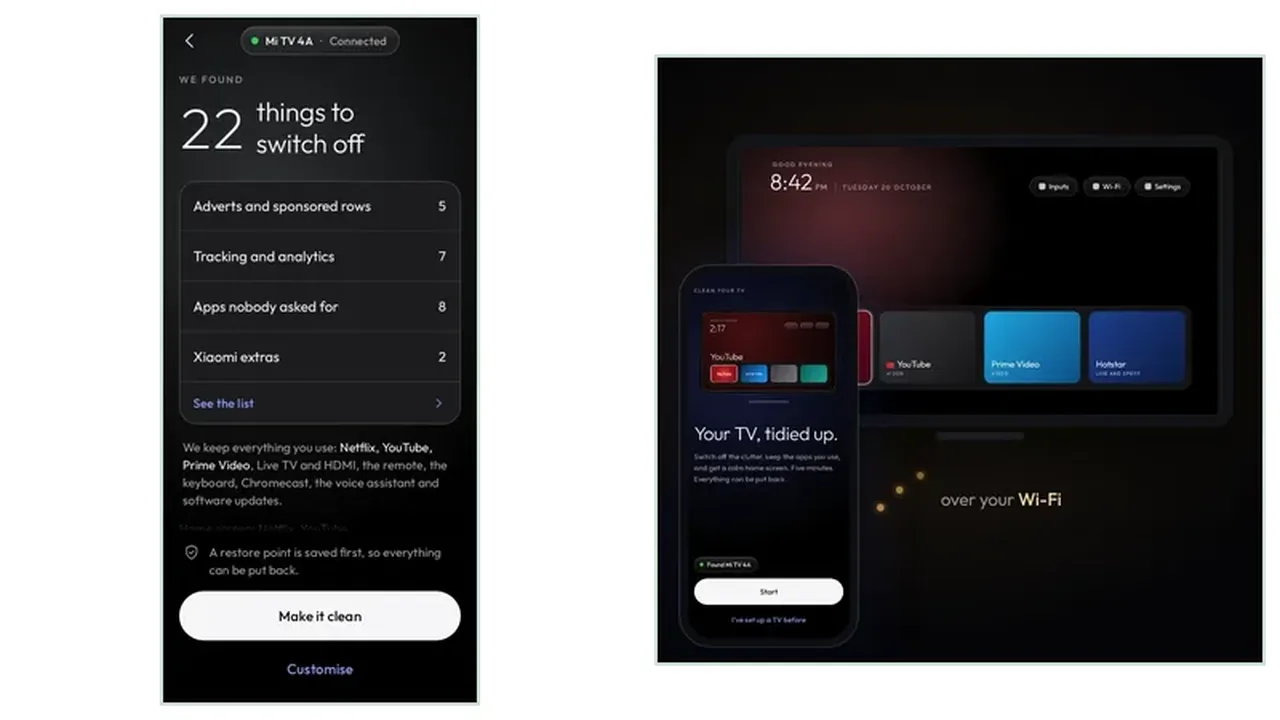
Run the Clean Your TV plan together, on the TV, in daylight, with the remote in their hand. Read the groups out loud, point at the keeps list, and let them approve the clean themselves. The phone setup guide covers the connect step, including the trust prompt, which is the one moment a parent setup needs patience, because the TV asks whether to trust the phone.
Clean only the groups you both understand, and leave anything uncertain for a later visit. A parent TV does not need a perfect clean, it needs a clean nobody regrets. The Clean Your TV download page is the only download destination this site uses, and Clean Your TV itself is free, which keeps the whole setup free of payment screens and passwords.
The Undo Talk
The most important part of a parent setup is the undo talk: show them, or show one nearby person, how to put a single app back. Write the steps on paper if that helps, and leave the phone number of the person who ran the clean on the same paper. The restore point and undo guide covers both undo routes, and the one app route is the one a parent household will use.
After the clean, test the TV the way they use it: press Home, open the one app that matters, switch to live TV, and go back. If all three feel easy, the setup is done. Revisit after the next system update, because updates bring clutter back, and a parent TV deserves the same tidy again.
Parents TV in Short
Ask what they watch, clean around that list, approve the Clean Your TV plan together, and leave a written undo route. A simple TV is a kind gift, when the person who uses it stays in charge.