
Guide
Clean Your TV Manual Tidy vs the App: Which Route Fits You
You can tidy a TV by hand, in the settings, one app at a time. The app does the same job faster, with a plan and a restore point. Here is how to choose honestly between the two routes.
 By Grace Liu, TV Utility Reviewer
CONTENTS On this page
Manual Tidy vs the App
Every tidy starts with the same question: by hand, or with Clean Your TV? The manual route works in the TV settings: disable apps you do not use, rearrange the apps row, switch off recommendations you never open, and clear the cache of a misbehaving app. The Clean Your TV smart TV guide compares the two routes fairly, because the manual route is a real option, not a straw man.
The manual route costs time and attention, and it has no restore point. Each change is yours to remember, and after a system update you repeat the check, because updates bring back apps a manual tidy had disabled. For one small change, manual is fine. For a whole TV tidy, manual is a long evening.
What Manual Tidy Gets Right
Manual tidy gets two things right. First, control: you touch one app at a time and see the result at once, which suits a TV with only one or two annoyances. Second, no new app: if you dislike installing a phone app for a TV job, manual tidy needs nothing new. The keeps list guide doubles as a manual checklist here, because what Clean Your TV keeps is also what a manual tidy should leave alone.
Manual tidy also teaches you the TV. Walking the settings to disable one app shows you where the settings live, which helps the next time something feels wrong. That knowledge is the manual route quiet advantage, and it is worth having even if you later choose Clean Your TV.
What the App Adds
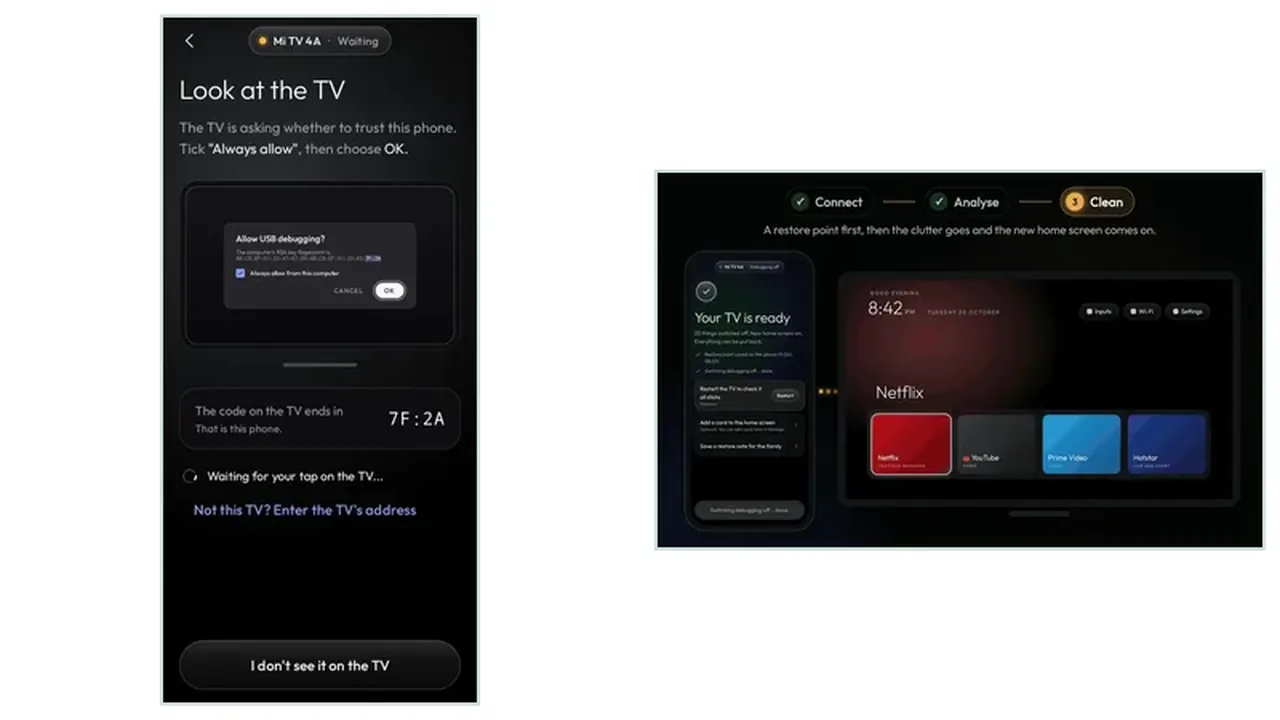
Clean Your TV adds three things manual tidy cannot: a plan shown before any change, a restore point saved first, and undo that works app by app or all at once. The plan turns a blind tidy into a judged one, because you see groups, adverts, tracking, apps nobody asked for, and brand extras, before you tap. The analyse plan guide explains that plan in full.
The app also adds speed and repeatability. A five minute run, repeated after every update, keeps a TV tidy with less effort than a manual evening each time. The compatibility guide states the one limit plainly: the app needs Android TV or Google TV, while manual tidy works on any TV, including sets the app cannot help.
Manual or App in Short
One annoyance: manual. Whole TV tidy, repeated after updates: the app, for its plan, restore point, and undo. Either route beats leaving the clutter, and the keeps list guides both.