
Guide
Clean Your TV Interrupted Clean: When the Phone Dies Mid Clean
A phone call, a dead battery, or a sleeping TV can interrupt a clean. The watchdog, the restore point, and a calm restart cover every interruption, so nothing is lost.
 By Grace Liu, TV Utility Reviewer
CONTENTS On this page
Phone Dies Mid-Clean
A clean is a five minute job, and five minutes is long enough for a phone call, a low battery warning, or a TV that decides to sleep. An interrupted clean feels alarming, because the TV is mid change and the phone is silent. The Clean Your TV TV cleaner story here is reassuring by design: the Clean Your TV clean is built to be interrupted safely, not just to succeed smoothly.
First, do not panic and do not factory reset the TV. An interrupted clean has not broken anything, it has simply stopped halfway, and the safety nets below were built for exactly this moment. Put the phone on charge, wake the TV with the remote, and look at what the home screen actually shows before you touch anything else.
What the Watchdog Does
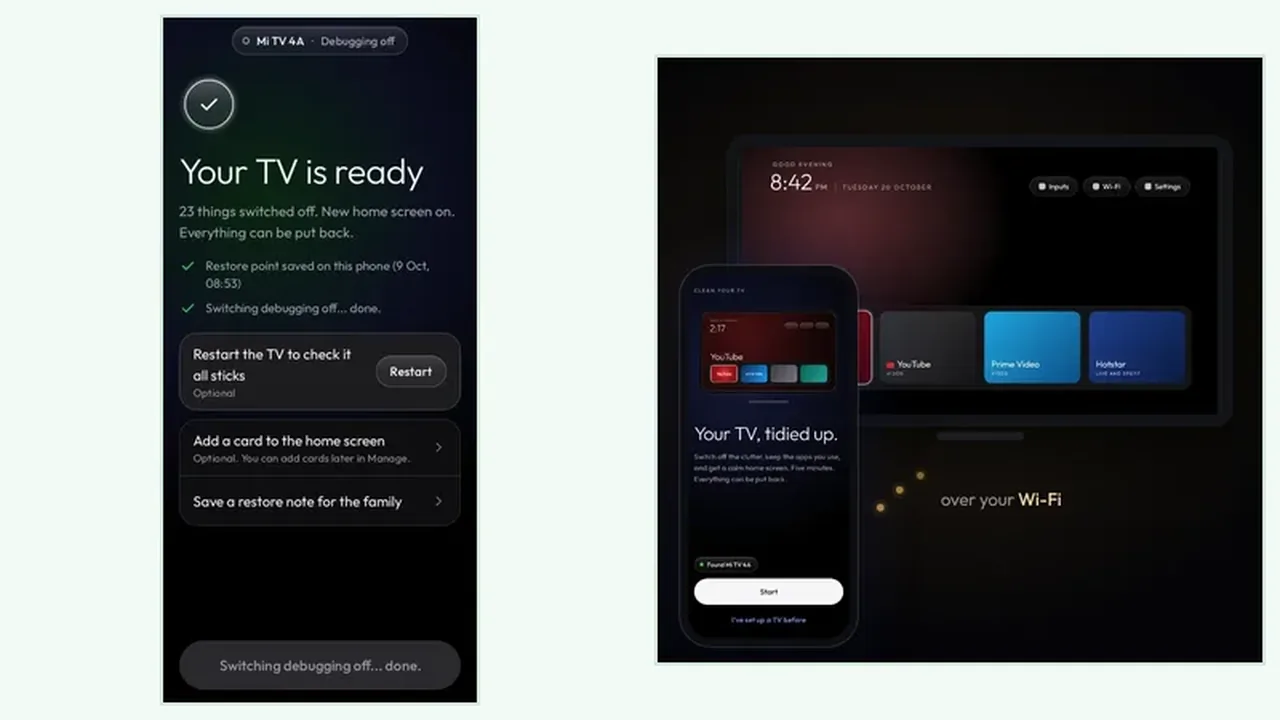
During the Clean Your TV clean, a watchdog watches the phone. If the phone does not confirm within 150 seconds, the TV puts its own home screen back by itself. That covers the awkward case where a phone call or a dead battery interrupts the job, and it means an interrupted clean ends with the old home screen, not a half changed one. The restore point and undo guide explains the second safety net: the restore point saved before the first change.
Between the watchdog and the restore point, an interrupted clean has two ways back, and you only need one. The watchdog acts on its own during the clean, and the restore point lets you undo afterwards, app by app or all at once.
Pick Up Where It Stopped
Once the phone is charged and the TV is awake, reconnect and run the analyse step again. The new plan shows the current TV state, which may already include part of the interrupted clean, and that is fine. Read the Clean Your TV plan fresh, check the keeps list, and clean again only the groups you understand. The analyse plan guide shows how to read that fresh plan without assuming the old one still fits.
To prevent the next interruption, charge the phone before the clean, silence calls for five minutes, and keep the TV awake with the remote nearby. The Clean Your TV download page is the only place this site sends you for Clean Your TV, and a calm five minutes is all the clean itself ever asks for.
Interrupted Clean in Short
Do not reset anything. Let the watchdog restore the home screen, or use the restore point, then reconnect, read the fresh plan, and clean again. Interruption is a pause, not a disaster.