
Guide
Clean Your TV for a Shared Family TV: One Clean Everyone Agrees On
A family TV belongs to everyone, so a clean needs agreement first. Agree the keeps list, clean in the open, and leave an undo route the whole household can use.
 By Grace Liu, TV Utility Reviewer
CONTENTS On this page
Shared TV, Different Tastes
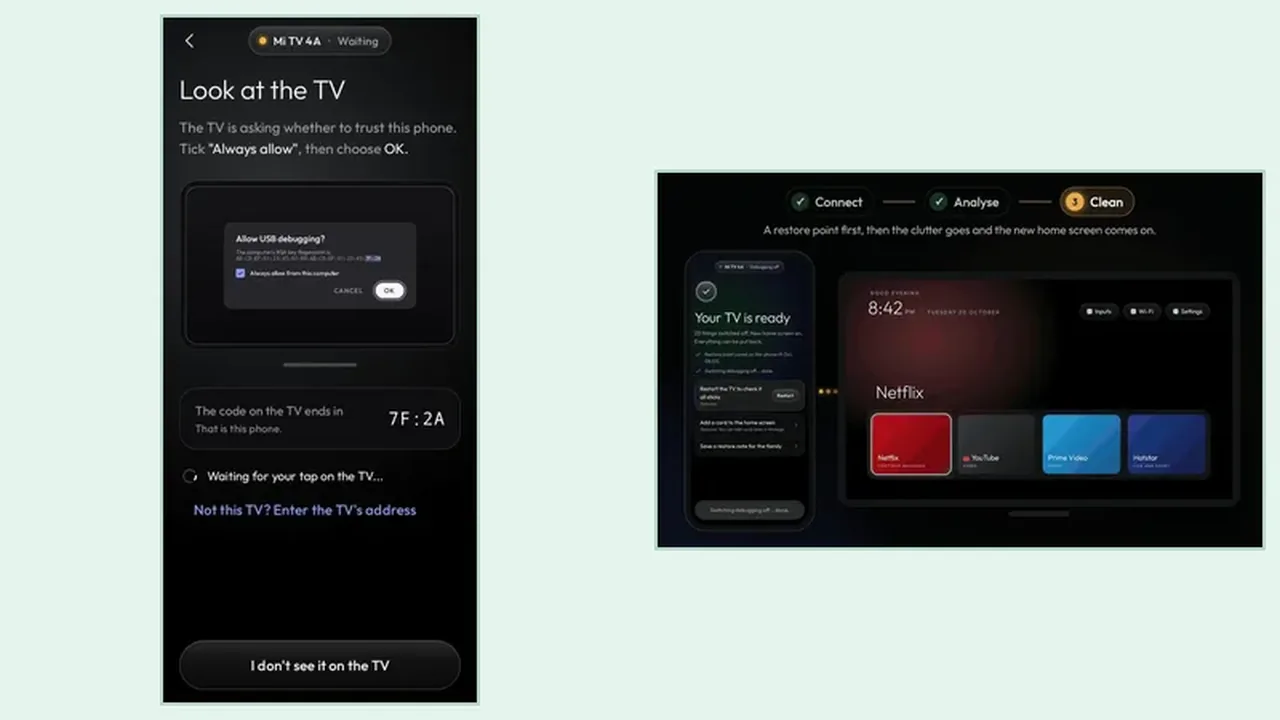
One person watches streaming, another watches live TV, the kids open one app, and grandparents open another. A clean that pleases one viewer and breaks another viewer routine is a failed clean, even if the home screen looks tidier. The Clean Your TV setup guide starts a family clean the same way as any clean, but adds one step first: ask everyone what they open.
Write the household list down before you open Clean Your TV: every app, input, and feature anyone uses weekly. That list becomes your keeps checklist, and it stops the classic argument where a clean removes something nobody mentioned until it was gone.
Agree the Keeps List First
When the plan appears, walk it with the household list in hand. Every item on the household list must sit on the keeps side. If one does not, stop and check before you tap, because the keeps list is the agreement, and breaking it breaks trust in the next clean too. The keeps list guide shows what Clean Your TV protects by default, from streaming apps to casting and voice search.
For features only one person uses, such as casting from a phone or voice search, decide together whether they stay. A feature switched off by one person and missed by another is easy to undo, but easier to agree on first. The Clean Your TV download page is where Clean Your TV itself comes from, and the clean itself happens in the open, on the TV everyone can see.
One Clean the Whole House Can Live With
Clean together, or at least announce it. Tell the household what went off, what stayed, and how to put one app back. The undo route matters more on a shared TV, because the person who notices a missing app is rarely the person who ran the clean. Show one person besides yourself how to switch a single app back on.
The restore point and undo guide covers both undo routes: one app back, or everything back. On a shared TV, the one app route is the one you will use, and knowing it by heart is what makes the next clean a calm household decision instead of a debate.
Shared TV in Short
List what everyone uses, agree the keeps list, clean in the open, and teach one other person the undo. A family TV stays tidy when everyone trusts the clean.